🕵️ Token Scan & Chart
Token Scan
.png)
Token quick-buy screen
- Simply paste a token address into the Telegram Bot. Then, click 'Scan Token'
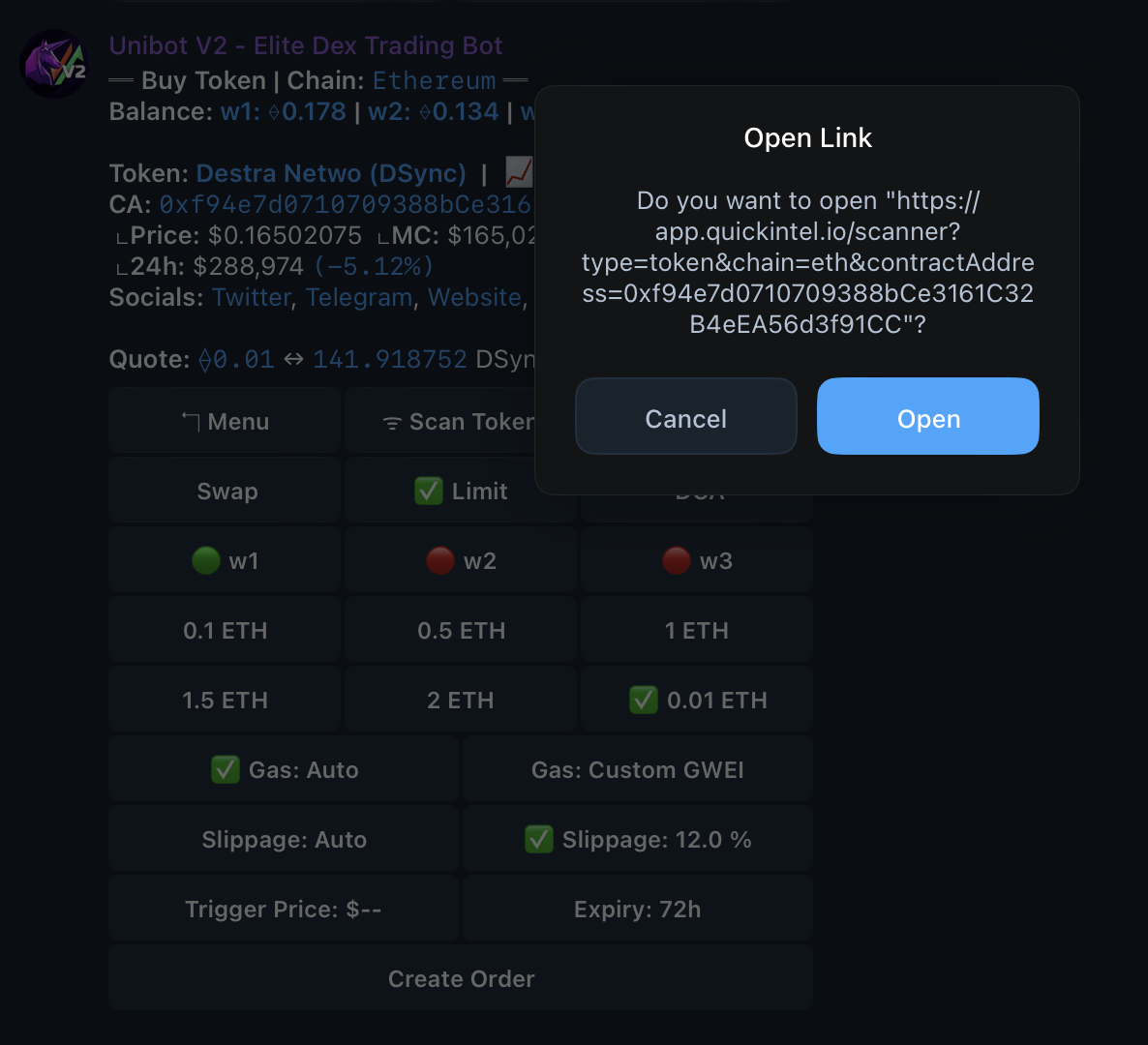
Link to audit website
- After clicking 'Scan Token,' you will be given the option to open the audit page. Therefore, click 'open,' and you'll land on the page below:
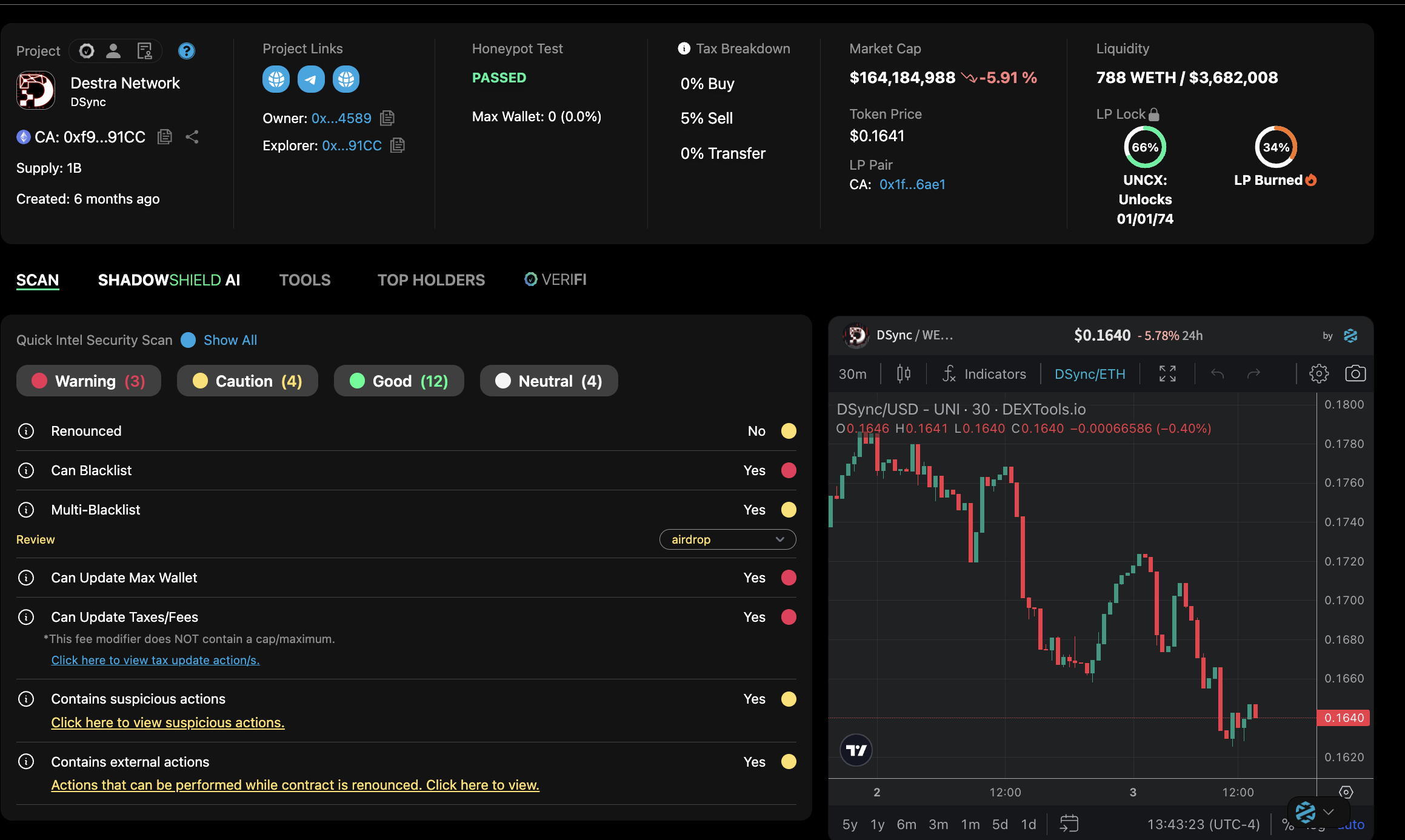
QuickIntel audit page
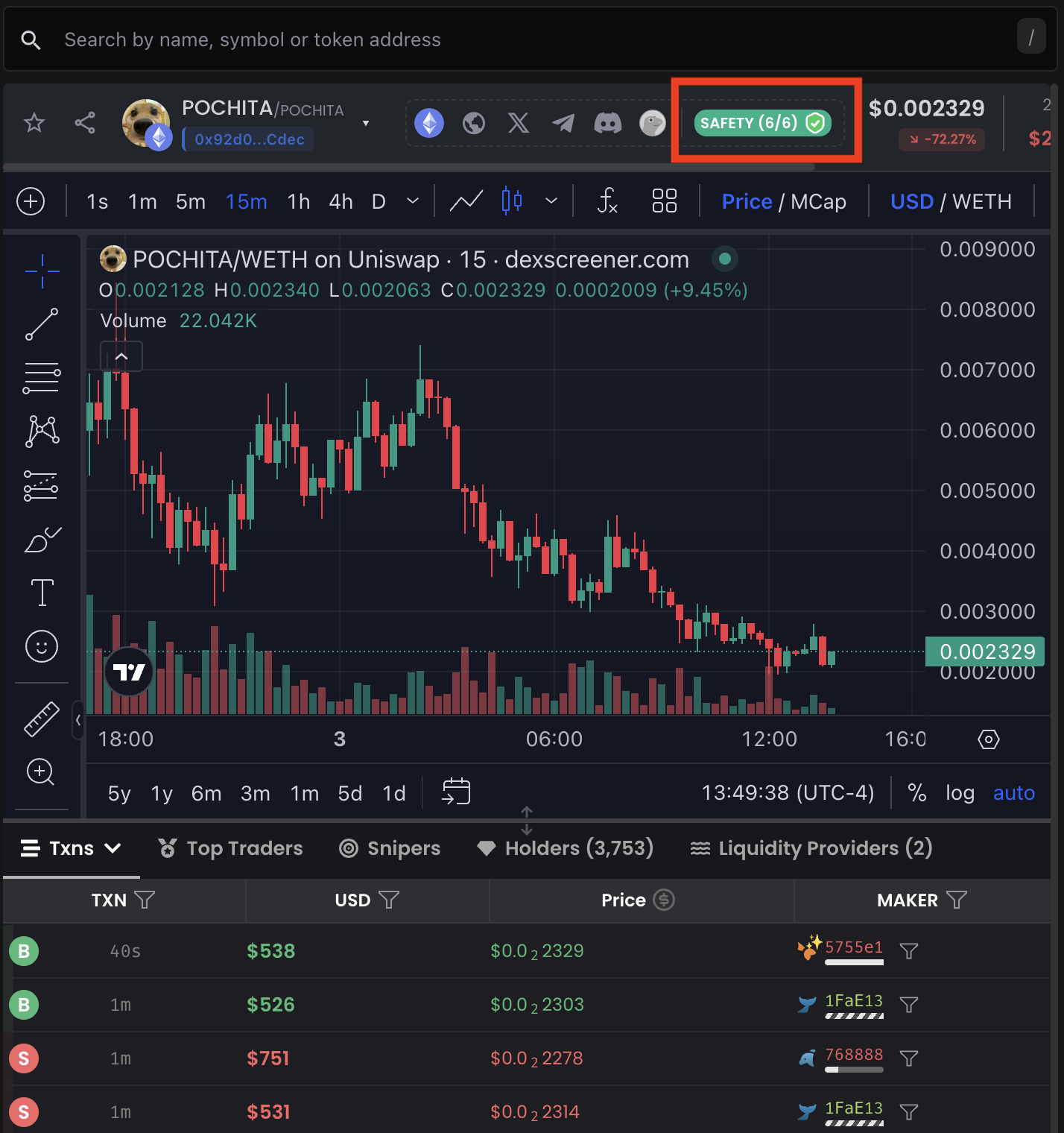
Location of token audit
- Click the 'Safety' button that is highlighted above to access the token audit.
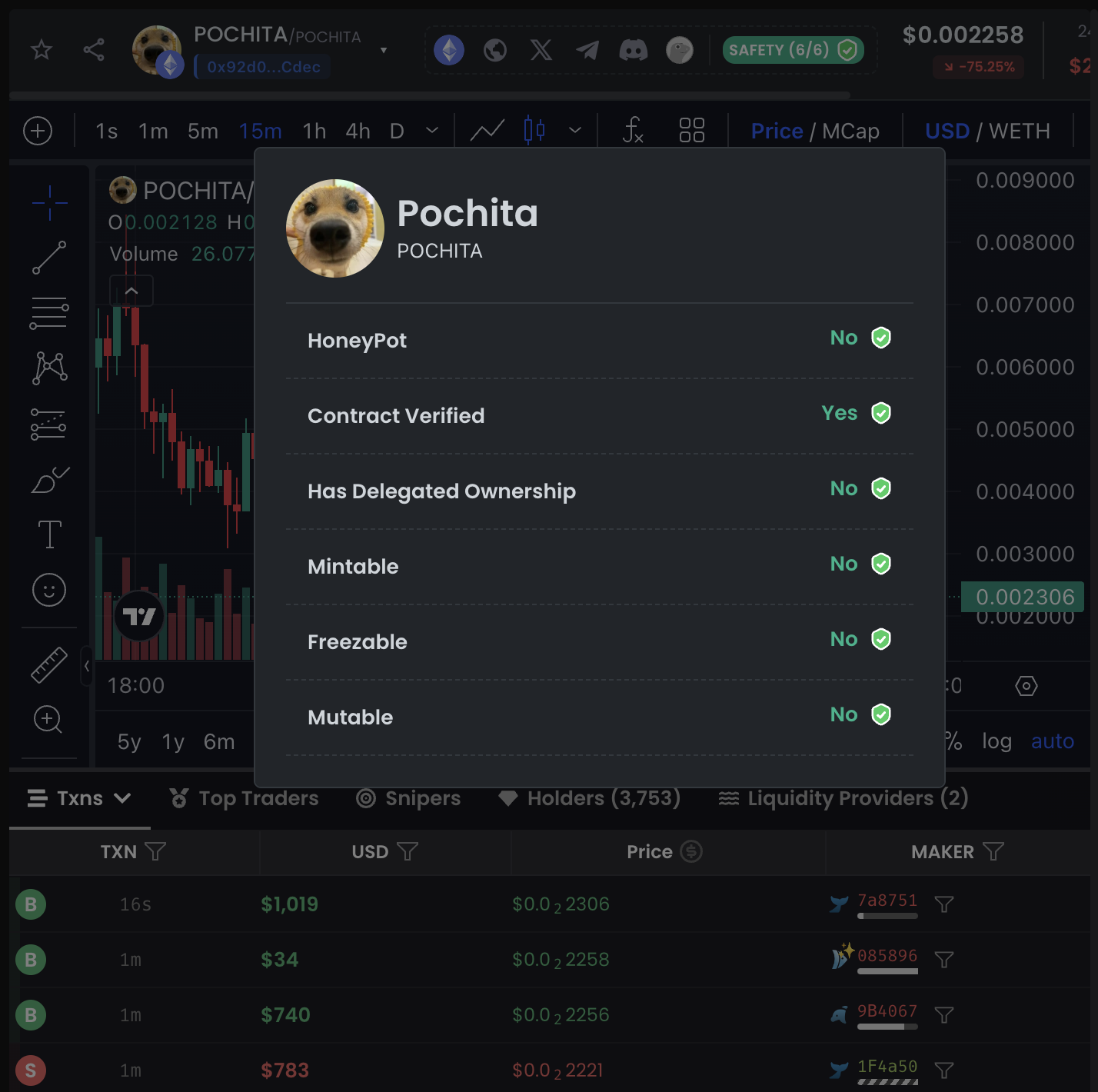
Token audit
Graphs
.png)
Accessing token chart
- Click 'Chart,' and you will be redirected to the chart of the token you are prospecting. (See image below.)
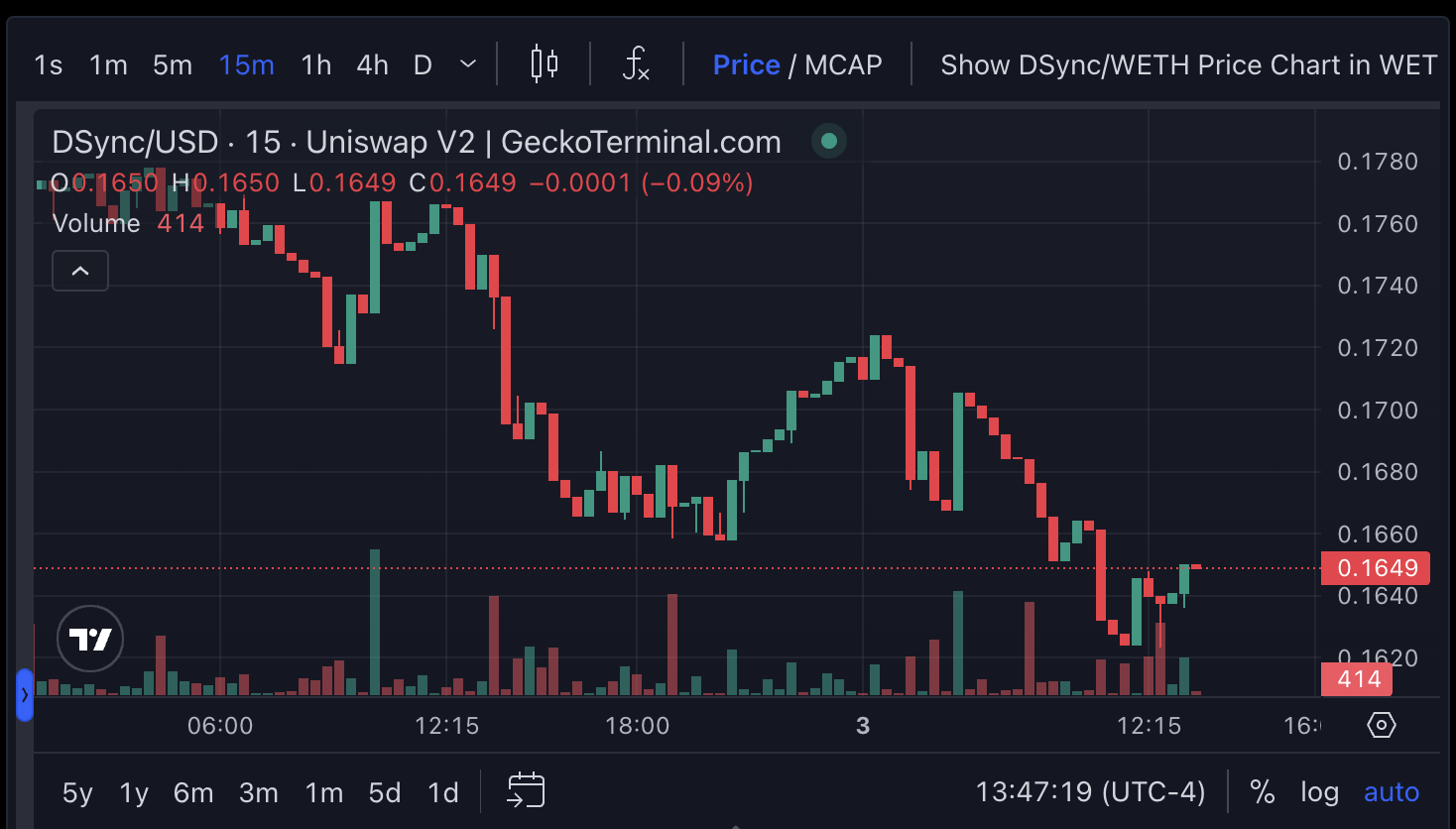
Token Chart
.png)
Token graph
- Clicking ⭐️ (see red box) to the left of the token name will add the token to your Watchlist panel.
- Links to relevant socials (see blue rectangle) are provided in the top right of the graph (from left to right)
\- The Ethereum symbol redirects to the token's Etherscan page.
\- The globe icon denotes the token's website (if there is one).
\- The X icon is to the token's Twitter/X.
\- The paper airplane icon is to the token's Telegram.
\- The face-looking icon redirects to the token's Discord.
\- The GeckoTerminal icon links directly to the token's GeckoTerminal graph.
\- The green 'SAFETY' icon is for Token Scan popup.
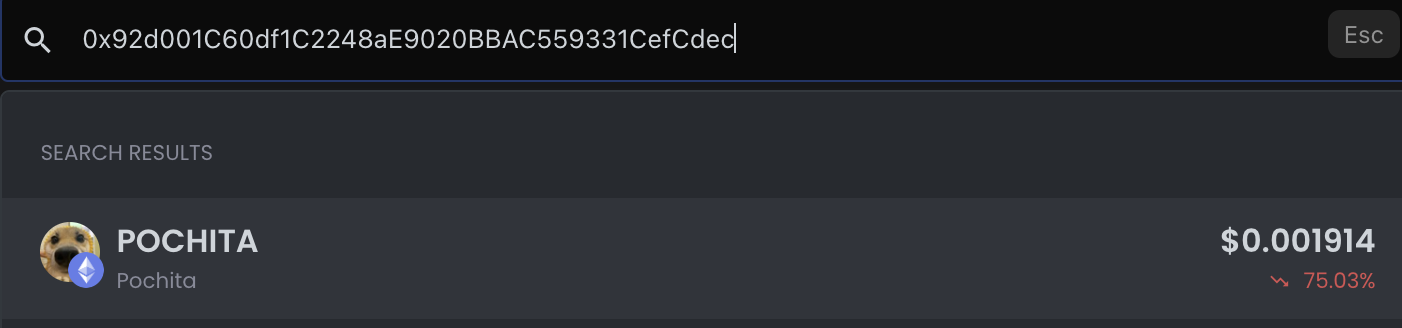
Token search
- Your selection will automatically update your current trading panel for that token address.